For track, team sports and speed testing
Two smartphones.
Automatic sprint timing.
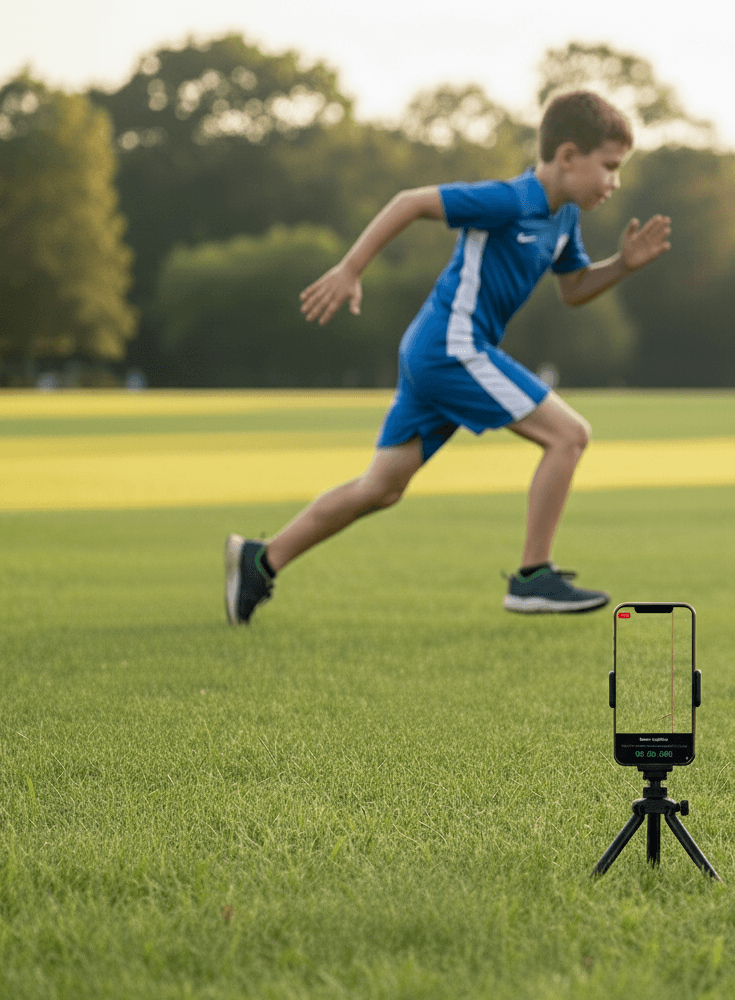
Place one phone at the start and one at the finish. The camera detects the runner crossing the line and records the time automatically. No timekeeper with a stopwatch required.
- No credit card required
- No app install
- No automatic charge after the trial
Sound familiar?
Hand timing is inconsistent
Stopwatch results depend on the reaction of whoever presses the button.
Not enough helpers
Someone has to start and someone has to time, so practice keeps stopping.
Timing gates are expensive
Dedicated timing equipment is out of reach for many clubs and individuals.
Sprint Timer solves this with the two phones you already have.
Three simple steps
Create a room
Log in on the start phone and tap "Create room". A QR code appears.
Pair with the QR code
Scan the QR code with the finish phone. The second phone does not need to log in.
Set up and run
Mount both phones. Timing starts when the runner crosses the start line and stops at the finish.
Features
Camera-based detection
Tracks the runner's torso and records the moment it crosses the on-screen line.
Two start modes
Line Start begins when the runner crosses the line; Sound Start uses a starter-pistol sound.
Automatic clock sync
The two phones align their clocks before timing, and the sync error is shown on screen.
Save and search records
Save times with a name and notes, then search them by athlete in your record list.
No install
Runs in the browser on iPhone and Android. Just open the URL.
Audio cues
Beeps at the start and finish so you can confirm without looking at the screen.
Who uses Sprint Timer
Track & field clubs
Time 50m and 100m runs and log repeated start drills.
Soccer, baseball and team sports
Run regular speed checks such as 10m acceleration or 30m sprints.
Individual training
Track your own times and see your progress in numbers.
School fitness tests
Practice the 50m dash with your kids before test day.
Pricing
Try every feature free for 7 days.
Free trial
¥0
7 days from sign-up
- All features included
- No credit card required
- No automatic charge afterwards
Pro
¥980/month
About ¥33 per day
- Unlimited timing sessions
- Save and search records
- Cancel anytime
You can upgrade to Pro from your account page at any time, even during the trial.
FAQ
How many phones do I need?
Two: one at the start and one at the finish. Only the phone that creates the room needs to log in; the other joins by scanning a QR code.
Do I need to install an app?
No. Open sprint-timer.com in a browser such as Safari on iPhone or Chrome on Android.
Will I be charged automatically after the trial?
No. The trial starts without a credit card, and timing simply stops working after 7 days. Subscribe to Pro (¥980/month) only if you want to keep using it.
How accurate is it?
The camera detects the runner crossing the line and the two phones' clocks are synchronized automatically. Accuracy depends on the camera frame rate and network conditions, so the sync error is shown on the timing screen. A stable network is recommended.
What distances can I time?
It is designed for sprints from about 10m to 100m. As long as both phones are online, there is no limit on the distance between them.
Can I cancel anytime?
Yes. Cancel at any time from "Manage subscription" on your account page.
Start timing automatically at your next practice.
All you need is two smartphones. Sign-up takes a minute.
Try it free for 7 days